
Tape Backup Software for tape drives
LTO (UltriumTM), DAT, DDS, DLT and more

Backup
Z-TapeBackup allows you to easily copy any backup archive, file or folder to tape.
Create one-time data lists to quickly copy files to tape or save up to 20 backup jobs for regular execution.
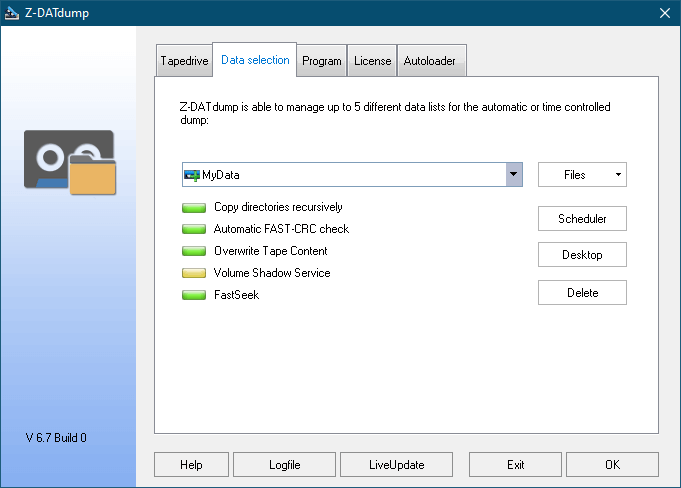
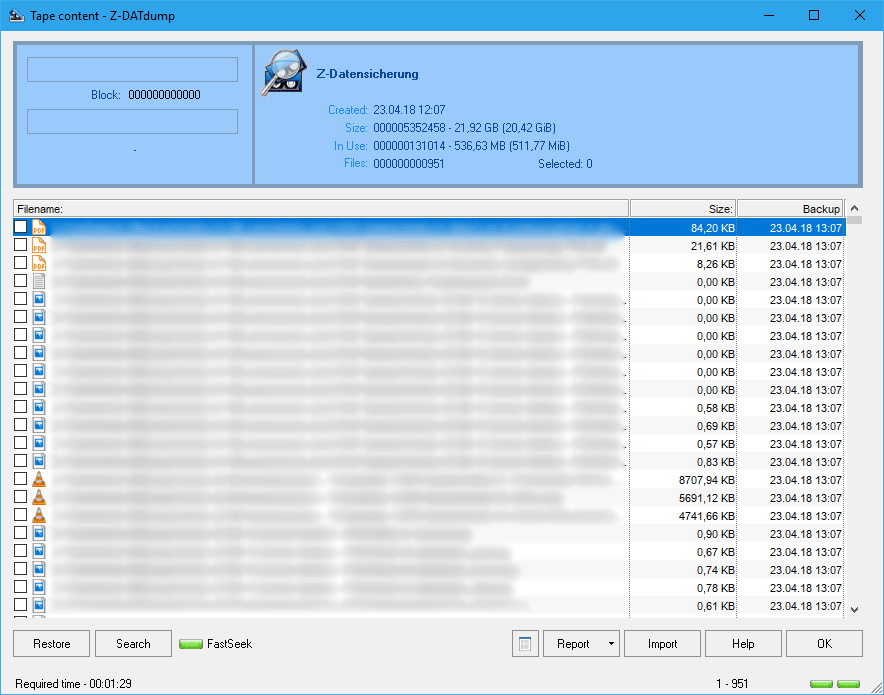
Restore
Display and explorer the content of tapes. Search for particular files and restore a selection of files or the whole tape content.
Hardware-Compression
Compressed files with the hardware compression of your tape drive
Encryption
Encrypt files using the industry standard AES 256
Differential, Incremental
Perform complete, differential or incremental backups
Commandline Interface
Control Z-TapeBackup from the commandline, integrate it in scripts and other software
Tape Explorer
Search the content of tapes for specific files and select the ones you want to restore
Backup Monitoring
Check the status of your last backups from any computer in the local network
Tape Library
Control Autoloader / Tape Libraries.
in Library Version
Automatic Backups
Schedule backup tasks using the integrated interface to the Windows Task Scheduler or our Taskplaner Z-Cron
Locked files & Databases
Backups of currently used files, many databases and virtual machines
with Z-VSScopy
Hardware-Compression
Compressed files with the hardware compression of your tape drive
Encryption
Encrypt files using the industry standard AES 256
Differential, Incremental
Perform complete, differential or incremental backups
Commandline Interface
Control Z-TapeBackup from the commandline, integrate it in scripts and other software
Tape Explorer
Search the content of tapes for specific files and select the ones you want to restore
Backup Monitoring
Check the status of your last backups from any computer in the local network
Tape Library
Control Autoloader / Tape Libraries.
in Library Version
Automatic Backups
Schedule backup tasks using the integrated interface to the Windows Task Scheduler or our Taskplaner Z-Cron
Locked files & Databases
Backups of currently used files, many databases and virtual machines
with Z-VSScopy
Hardware
Z-TapeBackup supports all major tape drives and connections (USB, S-ATA, SCSI, SAS, IDE).
The following tape drive technologies have been tested with Z-TapeBackup:
- LTO (Ultrium TM)
- DAT / DDS
- DLT
- QIC / Travan / SLR / MLR
- AIT
- VXA
Tape drives are controlled using the ASPI- and SPTI- programming interfaces.
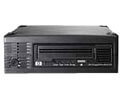
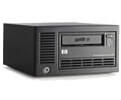
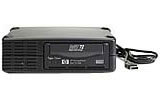
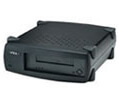
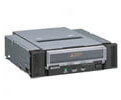
The tape drive has to be recognised by Windows and displayed in the device manager. You can use the freeware version to check if Z-TapeBackup works correctly with your setup.
Tape Library

Z-TapeBackup Library can control tape libraries and autoloader.
This allows you to load the right tape automatically on scheduled backup tasks.
Z-DBackup + Z-TapeBackup
Z-TapeBackup can be used as a stand-alone program or as an add-on for Z-DBackup.
Z-DBackup is our main backup program offering extensive options for professional backups.
Various backup strategies for tape backups can be realised when using Z-DBackup and Z-TapeBackup together. They are the perfect duo for fully automatised backups in enterprises.
Backup tasks for tape drives can be created and fully managed from within Z-DBackup.
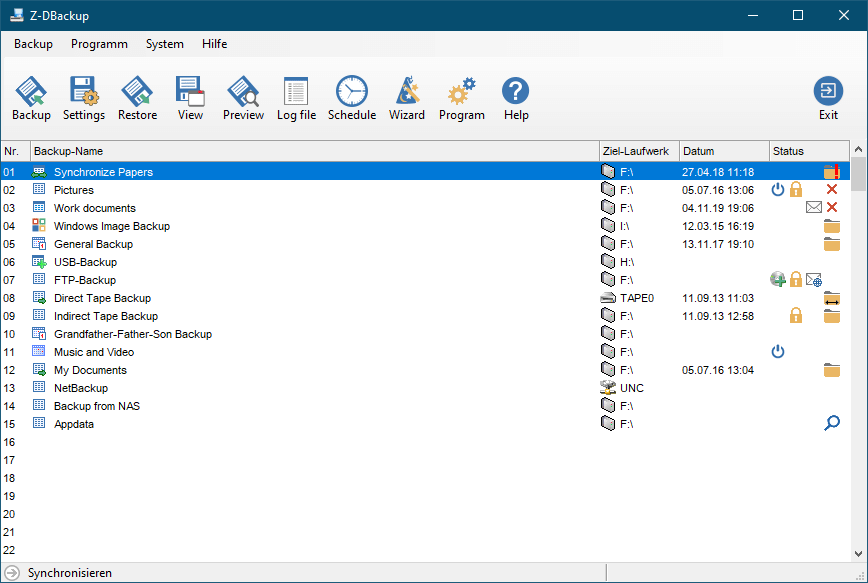
Direct Tape Backup
The files are copied directly onto tape. This is the same way Z-TapeBackup as a stand-alone program works.
Multispanning
If a backup is to big for a single tape Z-DBackup can split up the backup onto up to 10 tapes.
Indirect Tape Backup
The files to backup are backed up to a different location first, e.g. as an encrypted backup archive on a network drive. Afterwards the created backup archive will be copied onto tape.
System Image Backup
Z-DBackup can create a system image backup of your whole Windows partition (and any further partitions/drives) and copy it onto tape. To restore your system the image has to be copied from tape to a hard drive first before Windows can restore your computer from the system image.
Versions
Prices for the server versions can be found in our shop.
All prices include VAT
Backup Sets
5
5
250
250
Files per Backup
65.536
unlimited
unlimited
unlimited
Volume per Backup
12 GB
unlimited
unlimited
unlimited
Tape Explorer
Backup Verify
(Fast-CRC check)
Shutdown after Backup
Malware selftest
Automatic Backup Verify
Restore Single Files
Backup File Information
HDD & Tape Multispanning
File Filter
(exclusiv / inclusiv)
Chain Backup Tasks
E-Mail Notification
Registry Backup
Control Tape Libraries
(30 days free trial)
(30 days free trial)
(30 days free trial)
(30 days free trial)
Commercial Usage
Alternate NTFS Data Streams are not copied to tape.