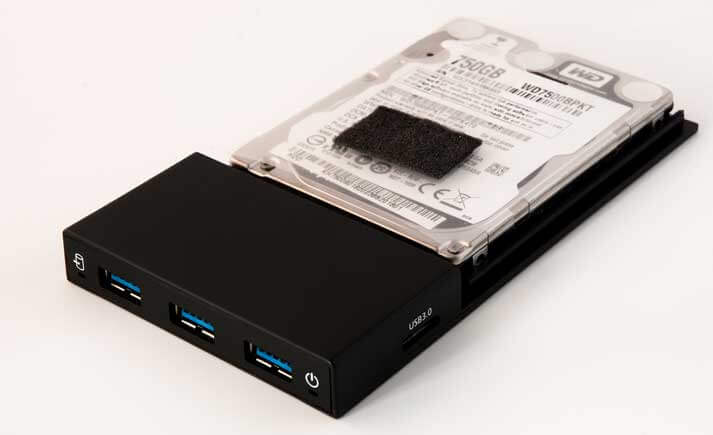
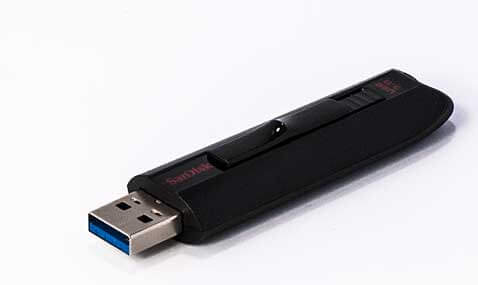
A USB drive is a compact, light and portable storage medium. They are available in various sizes and capacities for relatively low prices. It is advisable to use USB 3 for backups, because this USB version is more than ten times as fast as the previous generation.
USB sticks and USB SSD hard drives are good for data transport but aren’t suitable for daily backups because their lifespan reduces if they are written to very often.
USB HDDs are suitable for long term storage if handled appropriately. When transported they should always be protected in a buffered case to reduce the risk of drop damage.
Restricting access to valuable data
The strong encryption feature of Z-DBackup enables you to protect your confidential documents from access by unauthorised persons!
Backup to USB sticks
When using USB sticks for backups consider that they are:
Easy to use, like a normal drive
Very small and convenient to carry
Easy to lose!
Not suitable as the only backup method!
Secondary Backup
Backups to USB sticks should only ever be used in addition to a regular backup on a different medium such as a HDD. If the primary backup is stored on a hard drive, the USB stick can be used to store data at an offsite location – a good protection from data loss in case of fire, water or theft!
Good USB Sticks
If you want to use a USB stick for backups, quality and manufacturer are quite important.
A cheap USB stick from discount markets are usually not suitable for backups, because fast and reliable flash memory is expensive. Noname devices are much slower and get bad test results. Generally, all manufacturers exaggerate the data throughput of their devices. It is a good idea to read customer reviews, before a purchase.